















Terra
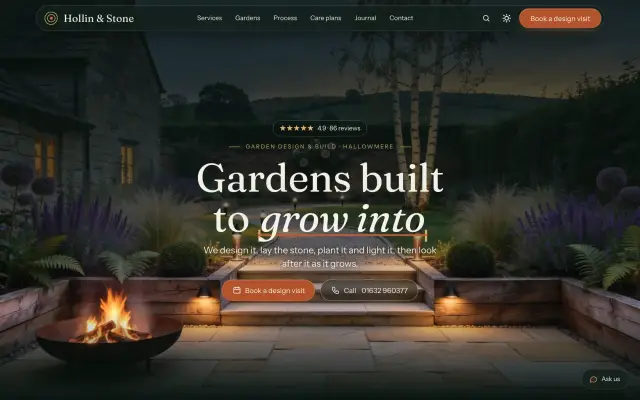
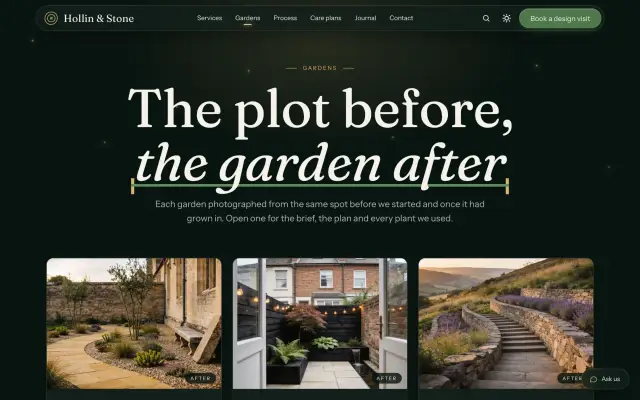
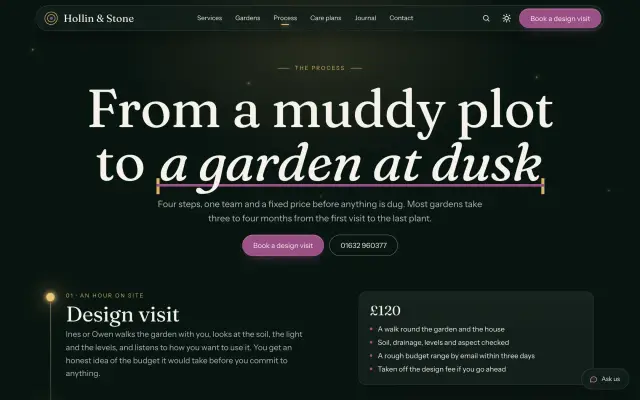
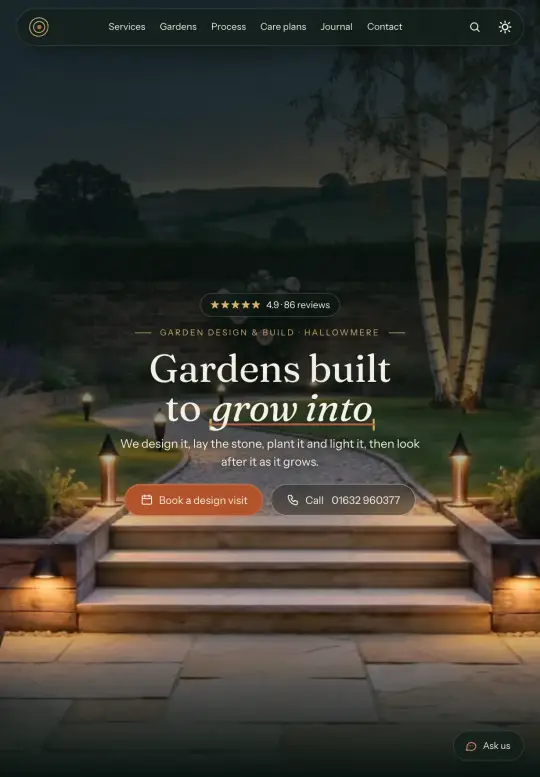
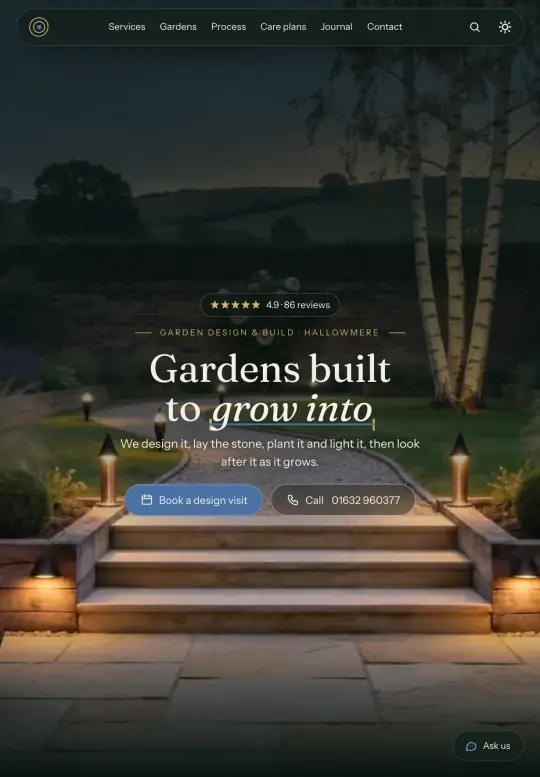
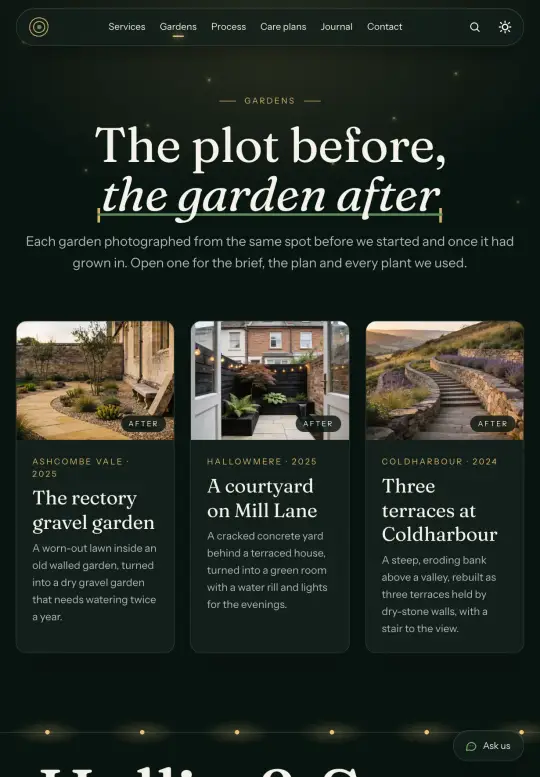
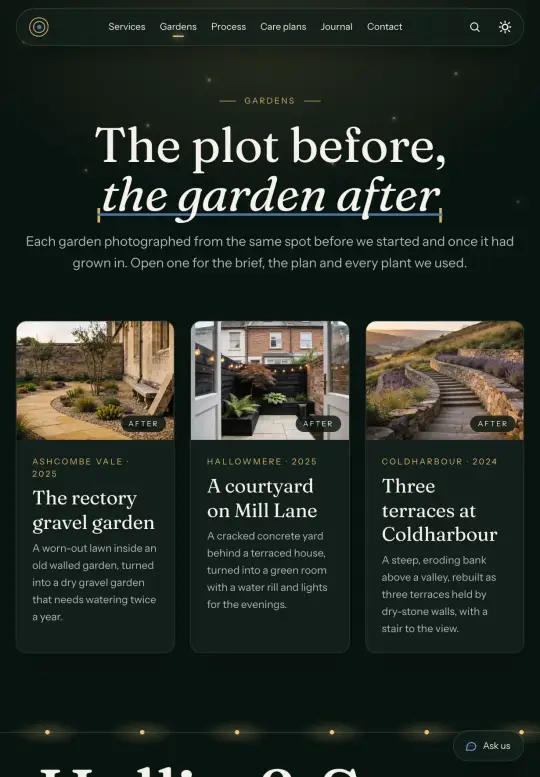
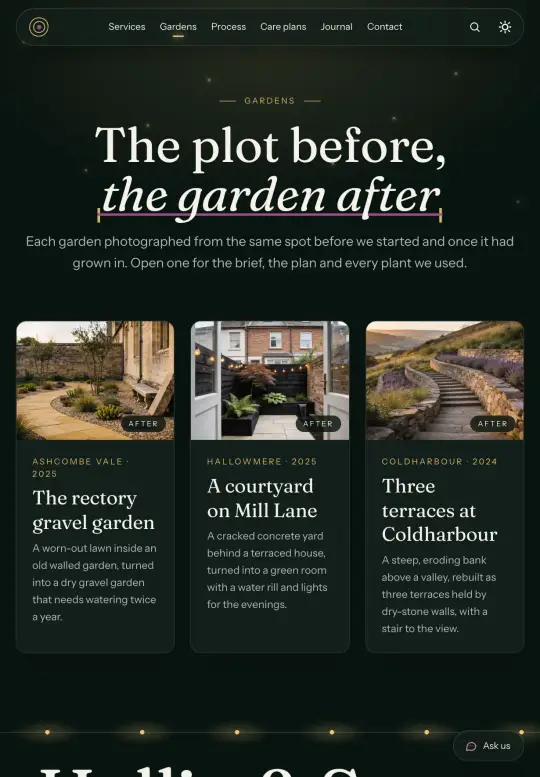
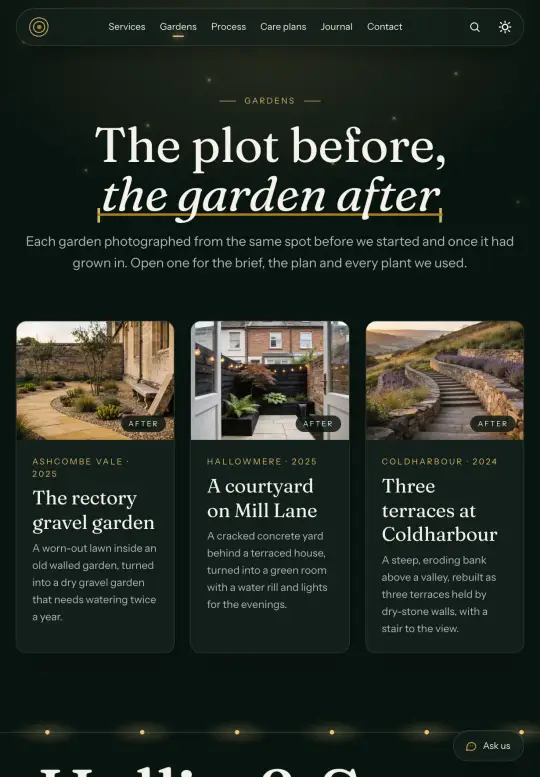
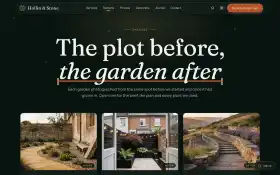
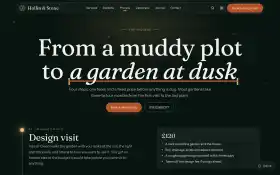
A garden designer's site that builds a garden as you scroll.
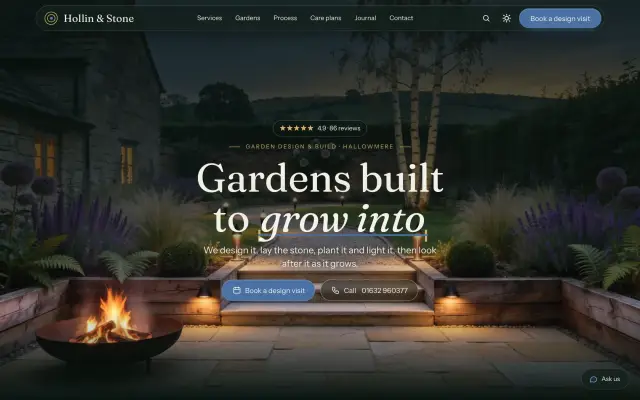
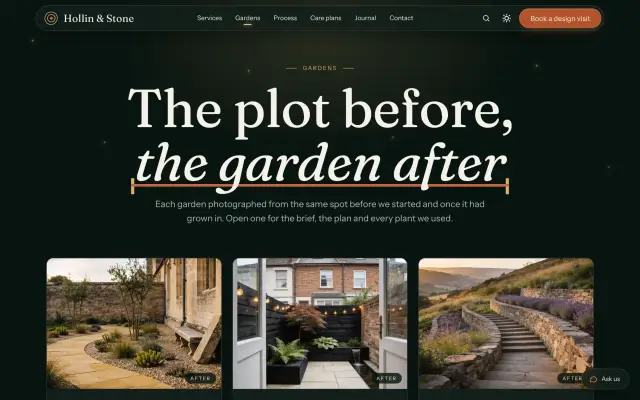
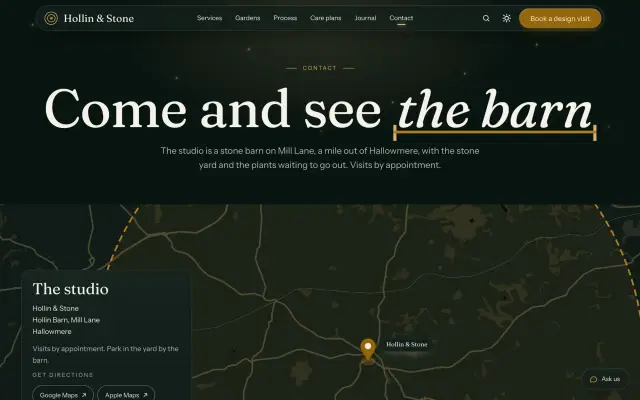
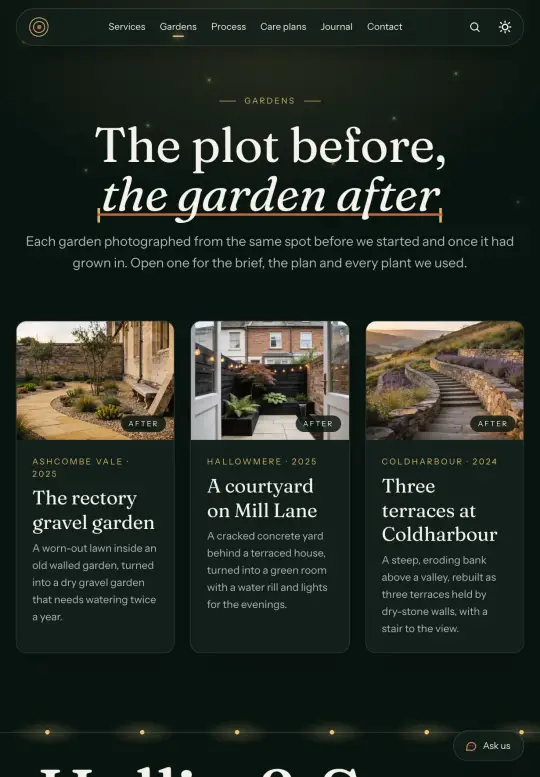
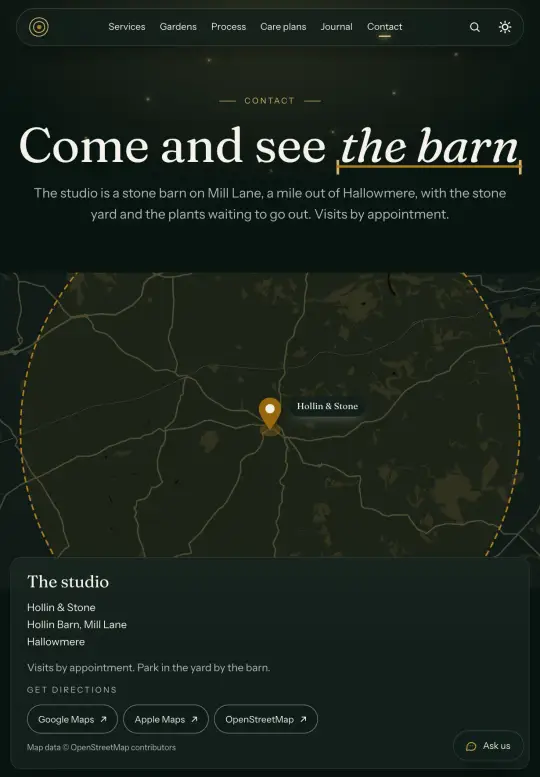
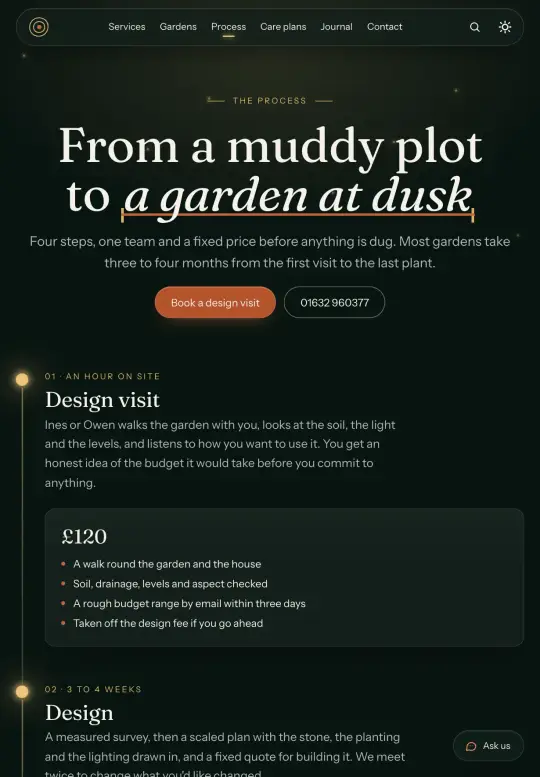
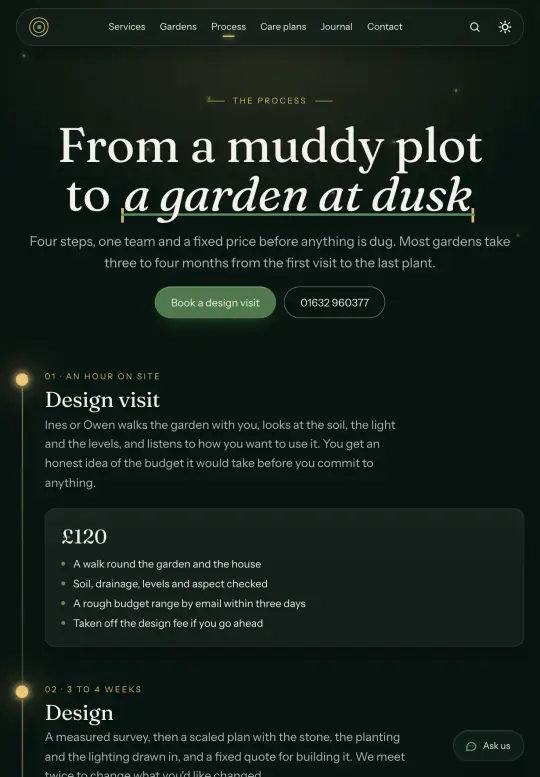
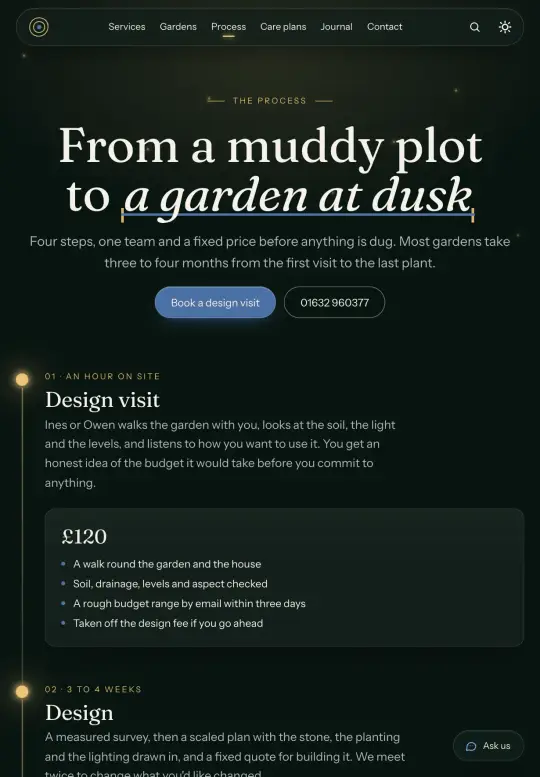
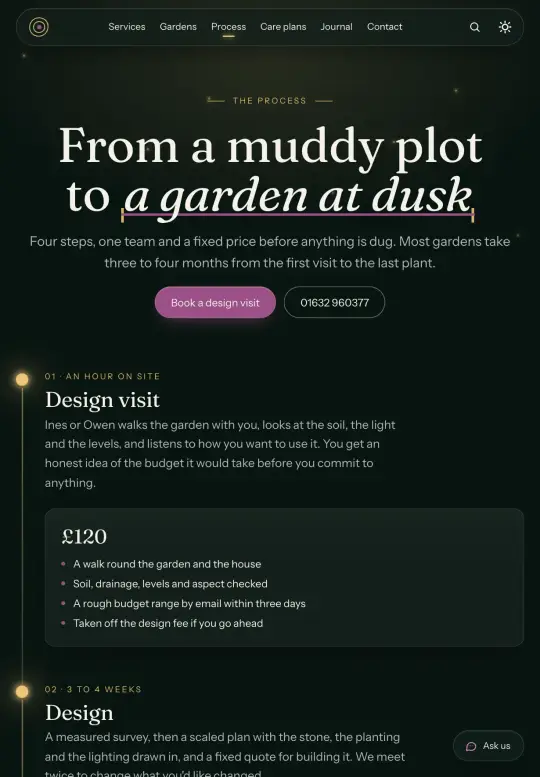
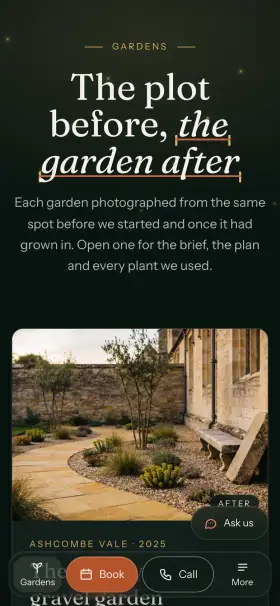
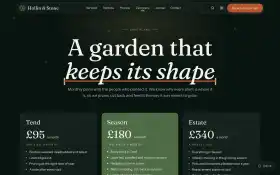
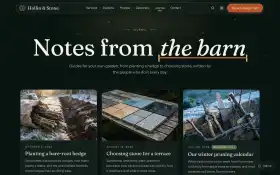
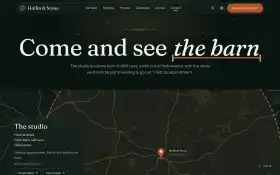
One garden built from a bare plot to a lit terrace as you scroll on the home page, services with a page each, gardens with before and after, the process with design visits and a deposit, monthly care plans, a quote form, a journal and a contact page with a map of the area. Lighthouse 100 out of the box.
- Lighthouse 100
- Astro 7 · Tailwind v4
- Dark + light
- v1.0.1 · updated 21 October 2026
Perfect forGarden designersDesign-and-build landscapersLandscape architectsGarden maintenance crews
11 pages, all designed.
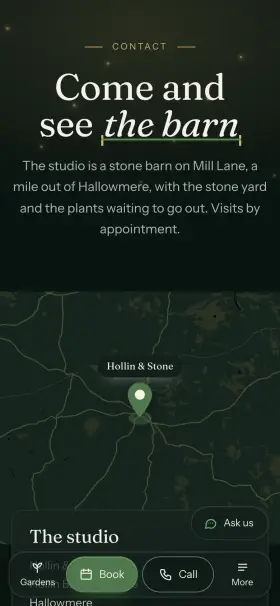
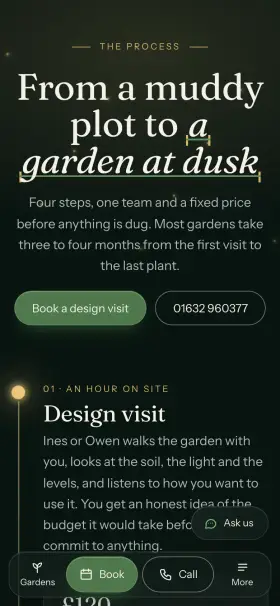
Not just a homepage: every page a garden design and landscaping site needs. Open any of them in the demo.

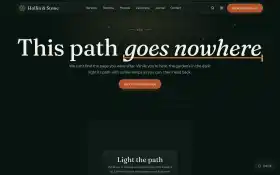
Even the 404 is fun.
Lost visitors get a game instead of a dead end. This is the real one from Terra's 404 page: give it a go.
Points 0 · Best 0
Tap a bed · or arrows + Enter
Built right, down to the details.
Lighthouse 100, all four
Measured on every page of the demo, on phones and desktops, before each release.
100 out of 100Performance100 out of 100Accessibility100 out of 100Best practices100 out of 100SEO
Dark + light
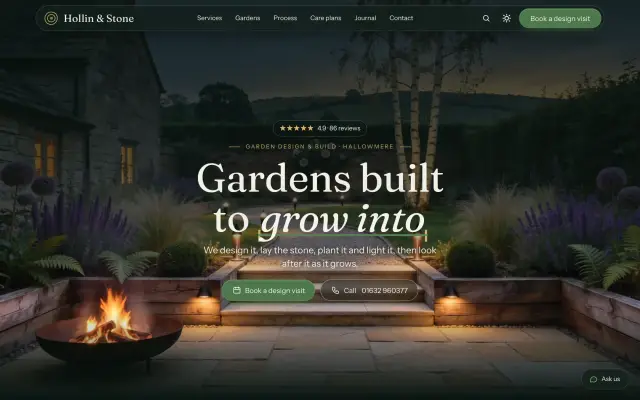
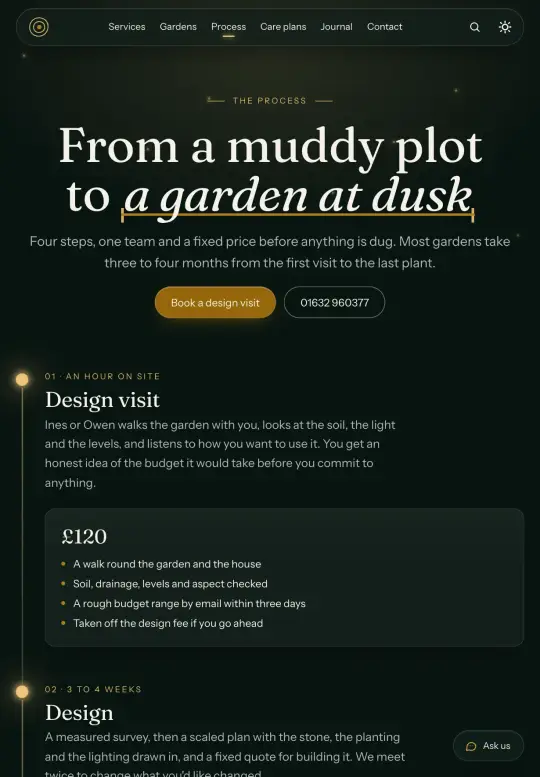
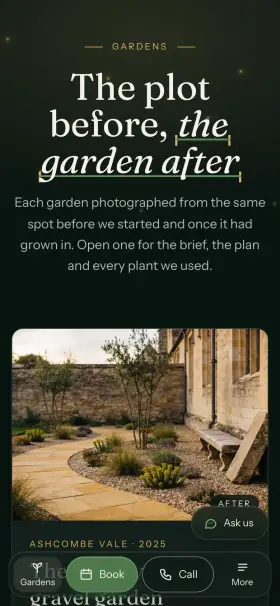
Opens in the dark theme, with a toggle for light. Every color passes WCAG AA in both.
Wired for your stack
Each one switches on with a key in .env. Until then the site works and says how to turn it on.
- AI chat
- ClaudeOpenAI
- analytics
- PlausibleUmamiGoogle AnalyticsPostHog
- booking
- Cal.com
- media
- Cloudinary
- CMS
- KeystaticSanityEmDash
- Resend
- payments
- Lemon SqueezyStripe
- search
- Algolia
- sign-ups
- SupabaseMailchimp
AI ready · MCP
Your AI agent knows Terra
AGENTS.md, CLAUDE.md and Cursor rules explain how the site is built. The WPTom MCP server goes further: Cursor, Claude Code, VS Code, PhpStorm and the other JetBrains IDEs, Codex or OpenCode look up what they need instead of guessing, so their edits fit the first time.
- Every componentprops and docs of all 35, from your project
- Your versionwhich template, version and variant, and when an update is out
- The docssearches docs.wptom.com while it works
$ npx -y wptom mcpContent where you want it
Journal, legal pages, projects and services and every text are typed content, edited in Keystatic, Sanity or EmDash. Pick EmDash with --cms emdash.
Updates keep your edits
npx wptom update merges each new version around your changes, line by line, and marks the rare conflict.
Real photos included
25 photos made for Terra, yours to use on every site you build with it. Swap them for your own whenever you like.
Ready for more languages
Ships in English. Add a language in one file and translate the content: Terra adds the language switcher, hreflang links and a sitemap per language, and Keystatic, Sanity and EmDash follow.
Search built in
Press ⌘K and search every page, journal, projects and services included, with no service to set up. Switch to Algolia when you outgrow it.
Make it yours in minutes.
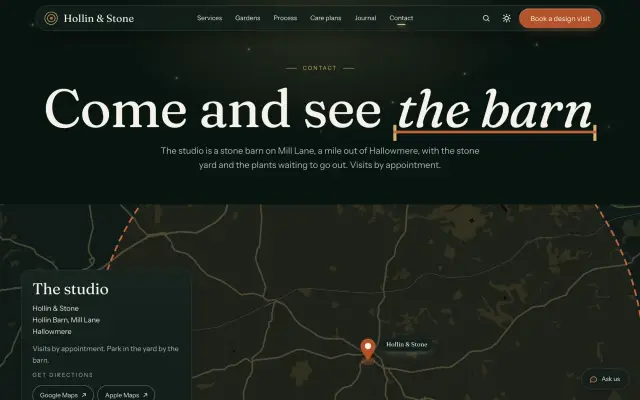
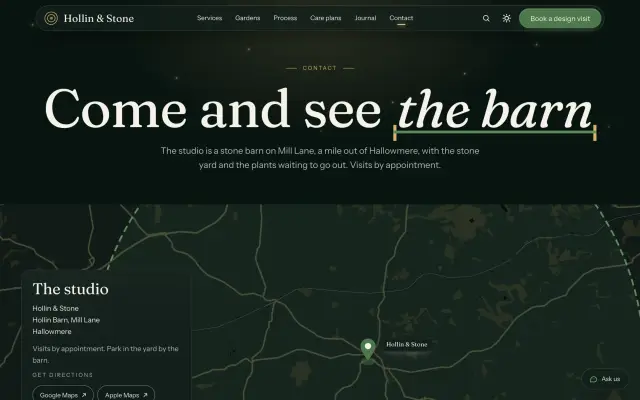
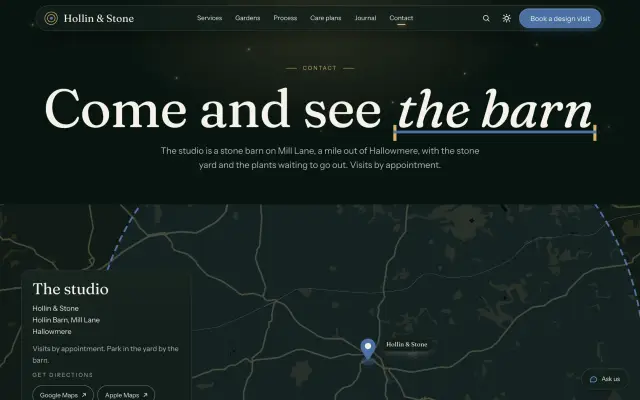
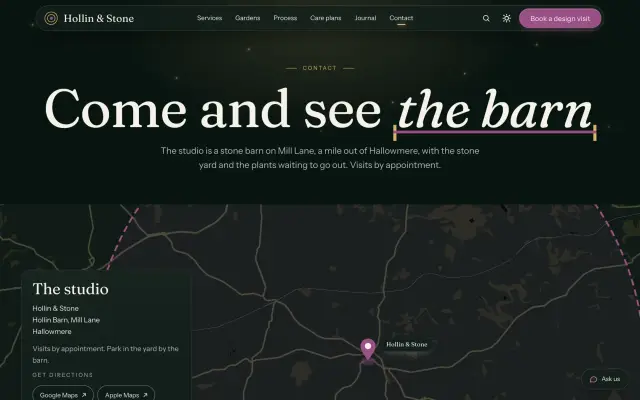
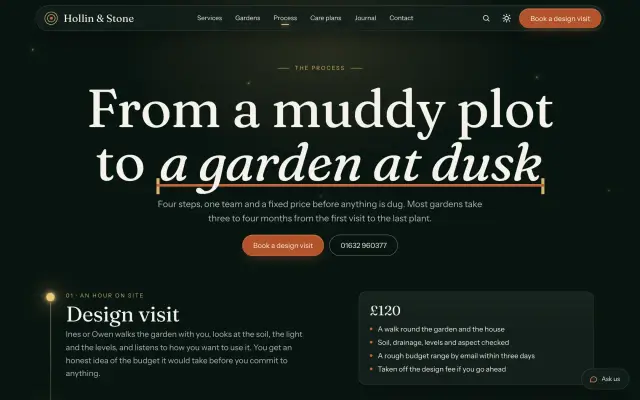
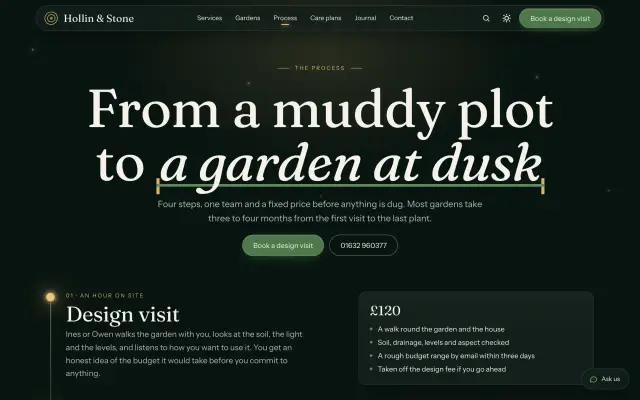
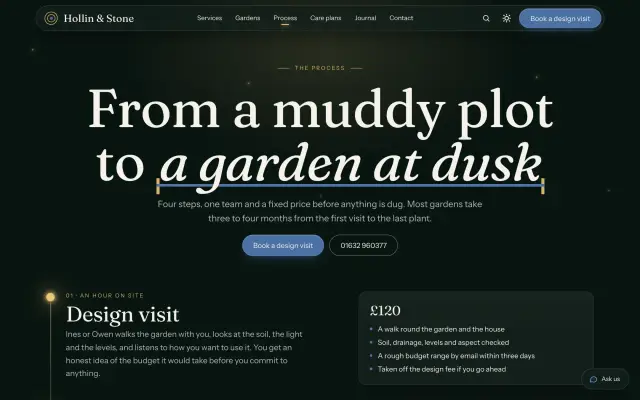
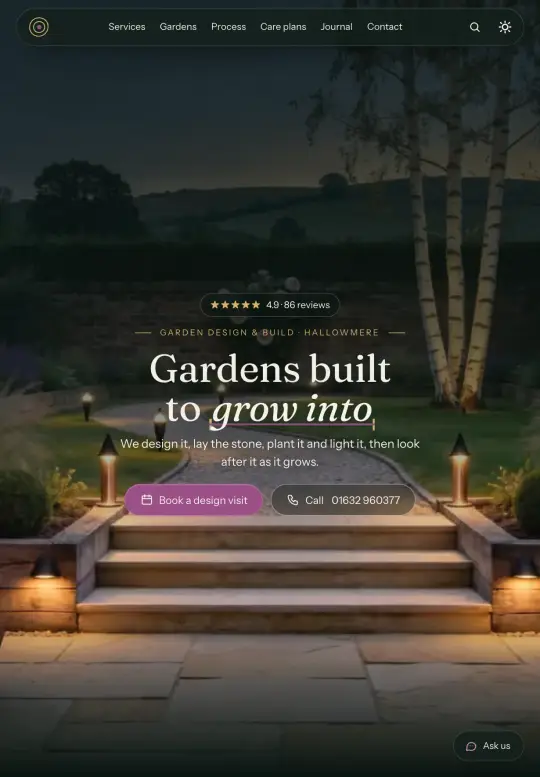
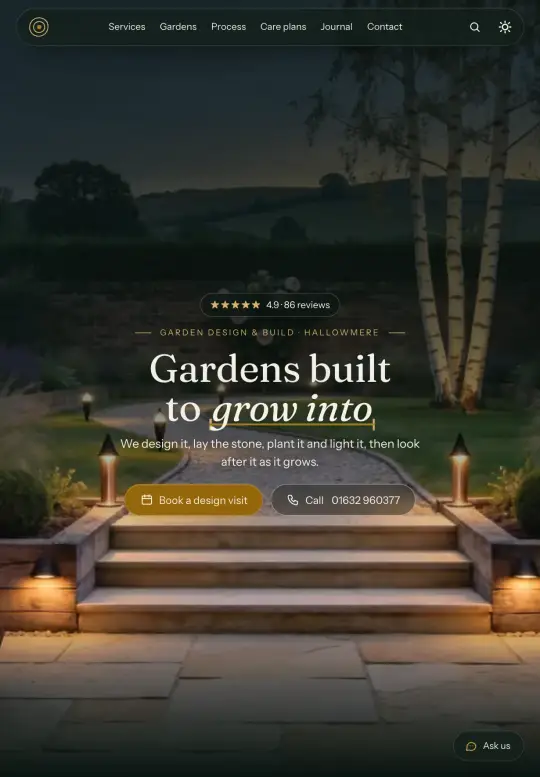
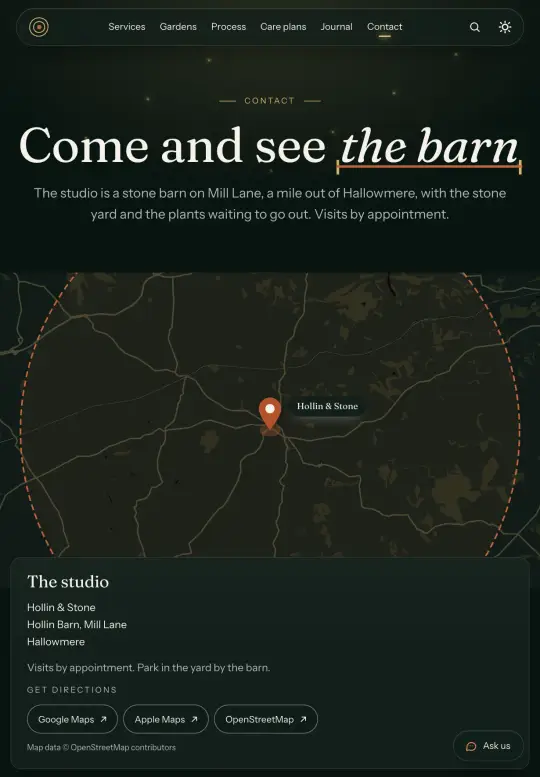
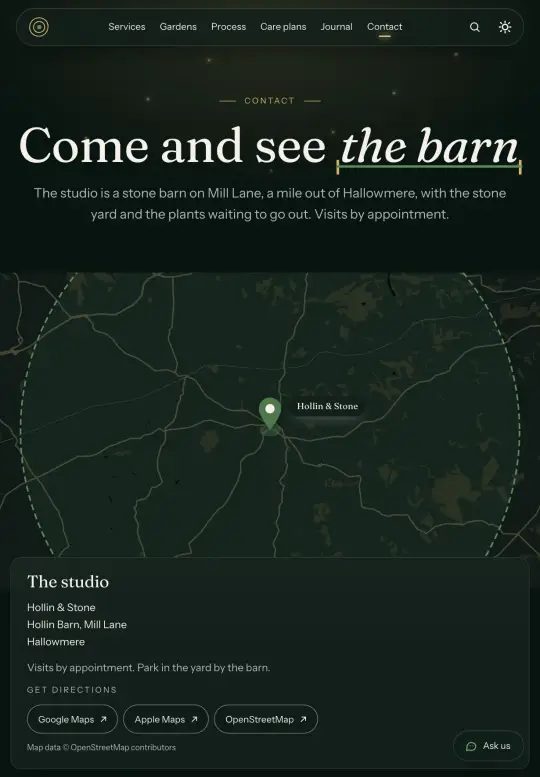
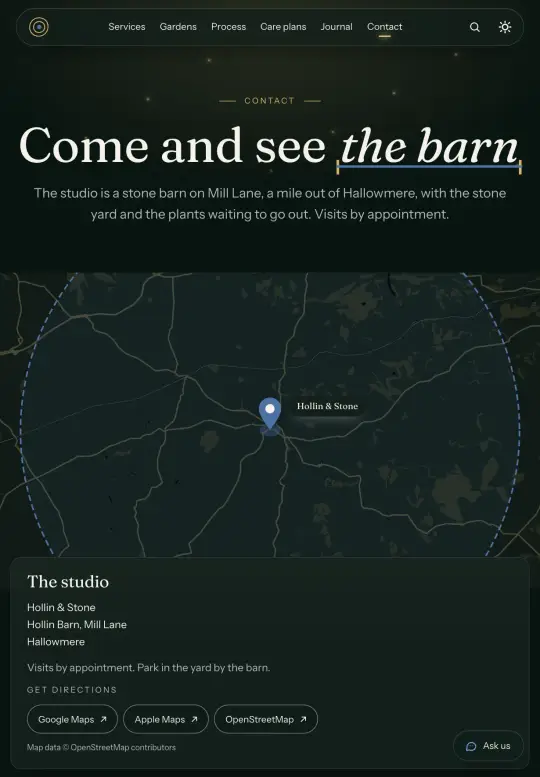
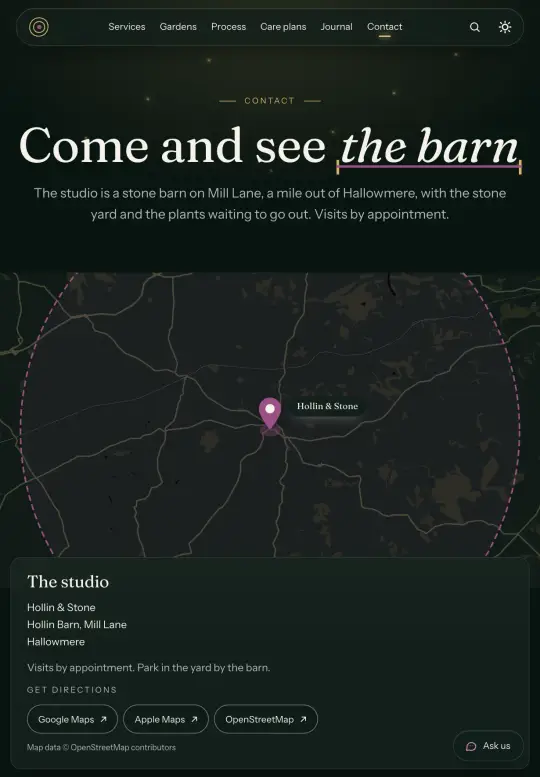
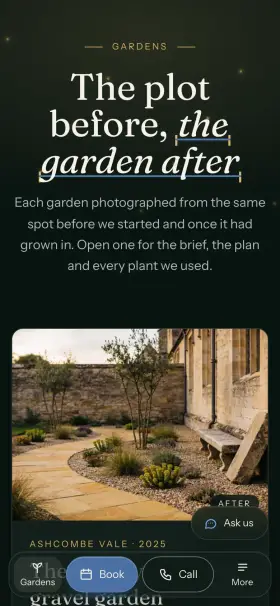
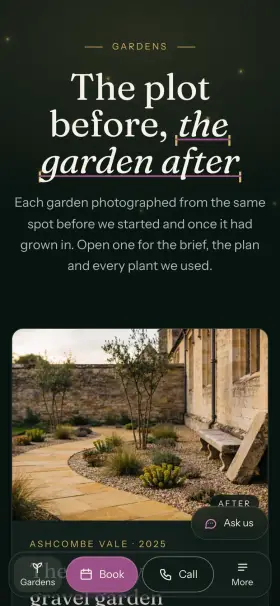
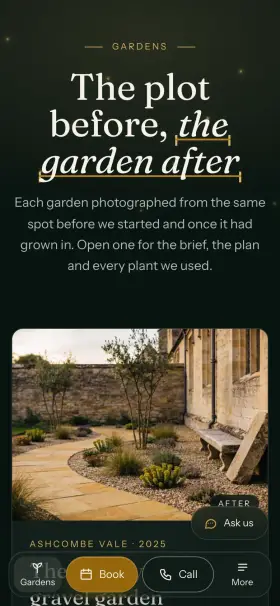
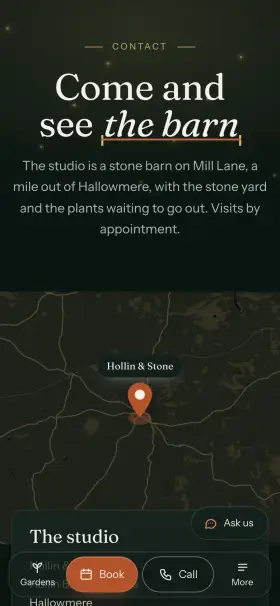
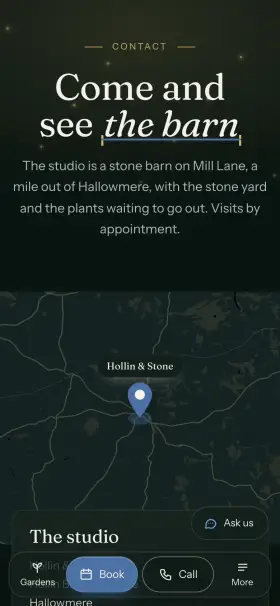
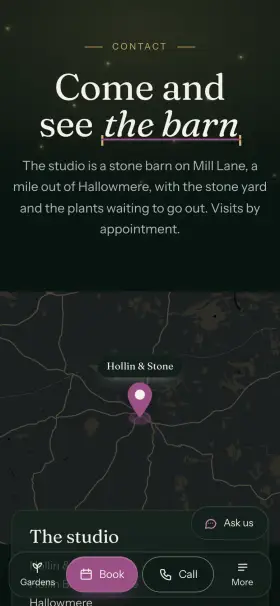
One file holds your brand: three colors, fonts, corners. Every shade for both themes comes from it, and the build stops if a color would be hard to read.
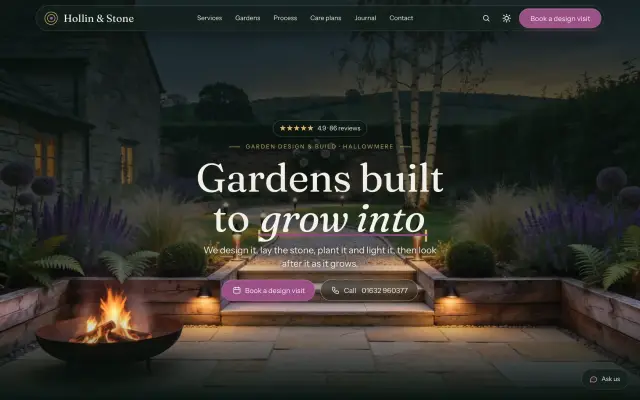
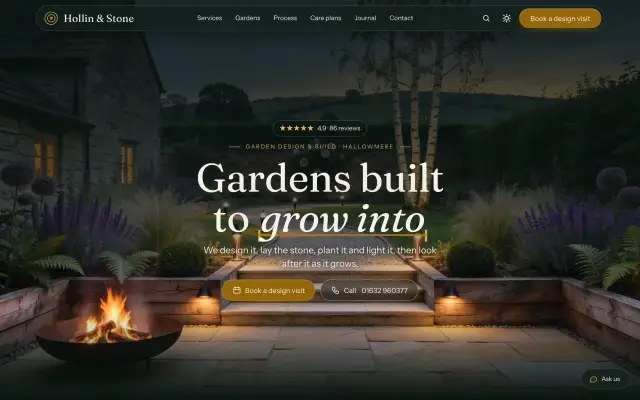
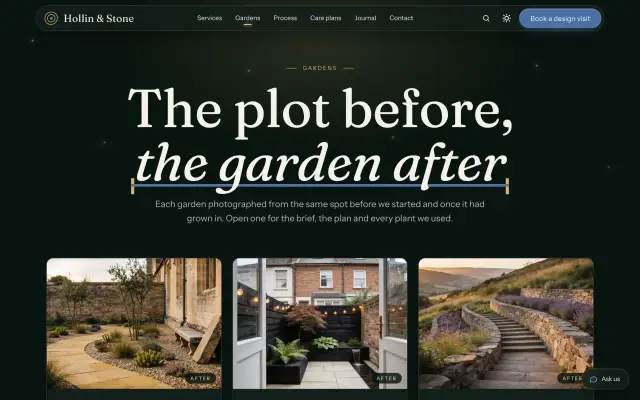
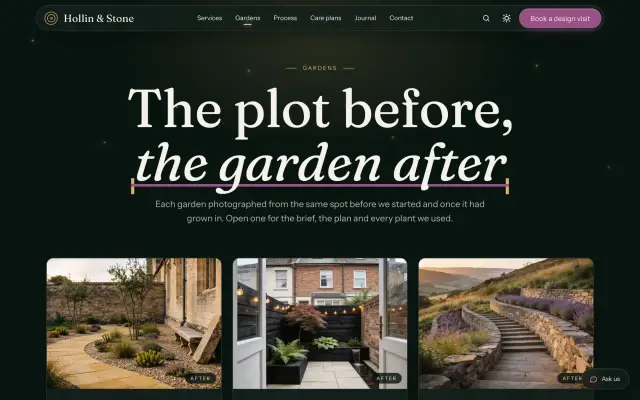
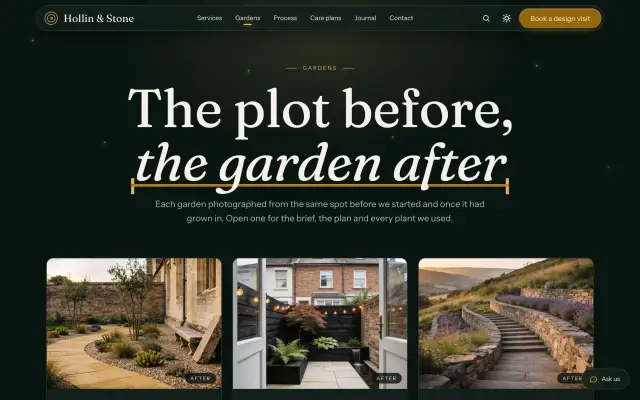
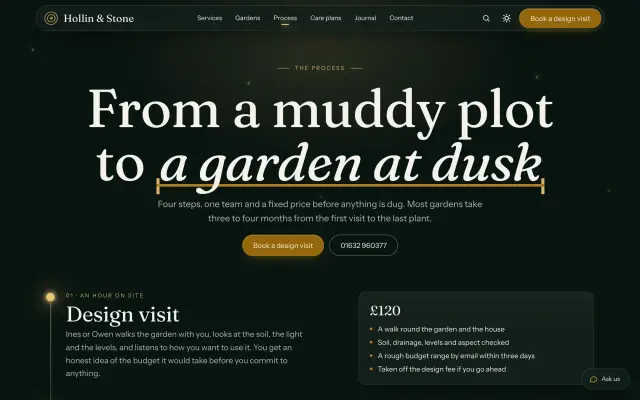
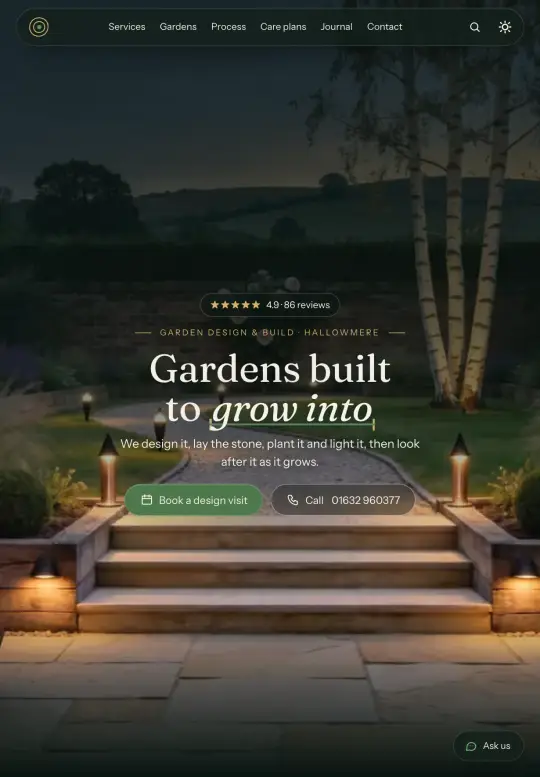
Try accents in the preview above, or live in the demo (opens in a new tab).
$ npx wptom new my-site -t terra
◇ Where should the content live?  Files, Sanity or EmDash
✓ Created my-site from terra@1.0.1
# src/content/singletons/brand.json
"accent": "#c4643c"
$ npm run dev
Under the hood
- Framework
- Astro 7, zero JS by default
- Styling
- Tailwind CSS v4, design tokens
- Language
- TypeScript, strict mode
- Pages
- 11 pages, 35 components
- Content
- Markdown and JSON, edited in Keystatic, Sanity or EmDash
- Hosting
- Vercel, Cloudflare (EmDash)
- Accessibility
- WCAG AA in both themes
- AI
- AGENTS.md, CLAUDE.md, Cursor rules, llms.txt
- Updates
- npx wptom update, keeps your edits
- License
- Commercial, unlimited projects incl. clients
Actively maintained
Full changelog →Terra
Update your site with npx wptom update- 1.0.121 October 2026
- With EmDash, the area covered reads 15 km, as in the other CMSs.
- 1.0.021 October 2026
- Initial release.
WPTom CLI
Always the latest with npx wptom- 0.3.214 October 2026
wptom mcp: an MCP server for AI assistants (Cursor, VS Code, Claude Code, JetBrains IDEs, Codex, OpenCode) with the docs, your template and version, and every component with its propswptom listcounts templates correctly ("1 template")- The WPTom wordmark in the terminal
- 0.2.014 October 2026
wptom new --cmspicks where the content lives (files, Sanity or EmDash), andwptom updatekeeps that choice
- 0.1.113 October 2026
- The package is checked for internal content before every release
Get Terra
One-time payment. Lifetime updates through the CLI.
Terra
$39
This template only.
- Terra with all pages
- Unlimited client projects
- Lifetime updates
- Email support
Best value
All-access
$99
Terra plus every template, now and future.
- All 46 PRO templates
- Every future release
- Unlimited client projects
- Priority support
Secure payment by Stripe · 14-day money-back guarantee · no tax added
- Visa
- Mastercard
- American Express
- Apple Pay
- Google Pay
Rather have Terra set up for you?
We install it, put in your logo, words and photos, and launch it on your domain. One fixed price before any work starts.
How it works →- Setup from $99Your template, live on your domain.Get a quote
- Customization from $199Make the template unmistakably yours.Get a quote
- Custom build from $299A site designed around your business.Get a quote
Questions
Can I see it before buying?
Yes. The live demo is the template itself with its demo content: every page, the search and the 404 game. Features that need your own keys (AI chat, analytics, booking, media, email, payments, sign-ups) show how to turn them on.
Which CMS can I use?
Out of the box, content is Markdown and JSON in your project, edited in Keystatic. Switch to Sanity with one setting, or create the site with EmDash running inside it. The docs walk through each.
Where can I host it?
It is set up for Vercel, the EmDash version for Cloudflare. Pages are static, so other hosts work with their Astro adapter.
Do I need to know Astro?
Basic HTML and CSS are enough for text, colors and images. The docs and the AGENTS.md file cover the rest, for you and your AI agent.
How do updates work?
Run npx wptom update. It merges the new version around your edits.
Can I use it for a client?
Yes, for as many clients as you like: every paid license includes client projects.
Can my site be in another language?
Yes. It ships in English; add a language in src/i18n/locales.json and translate the content. The language switcher, hreflang links and sitemap follow, in every CMS.